Recent and Starred
Two pages in the main menu give you a shortcut back to your work. Recent lists designs, Starred lists templates.
Recent
Section titled “Recent”Recent shows the designs you used lately, from all the teams you belong to in one list.
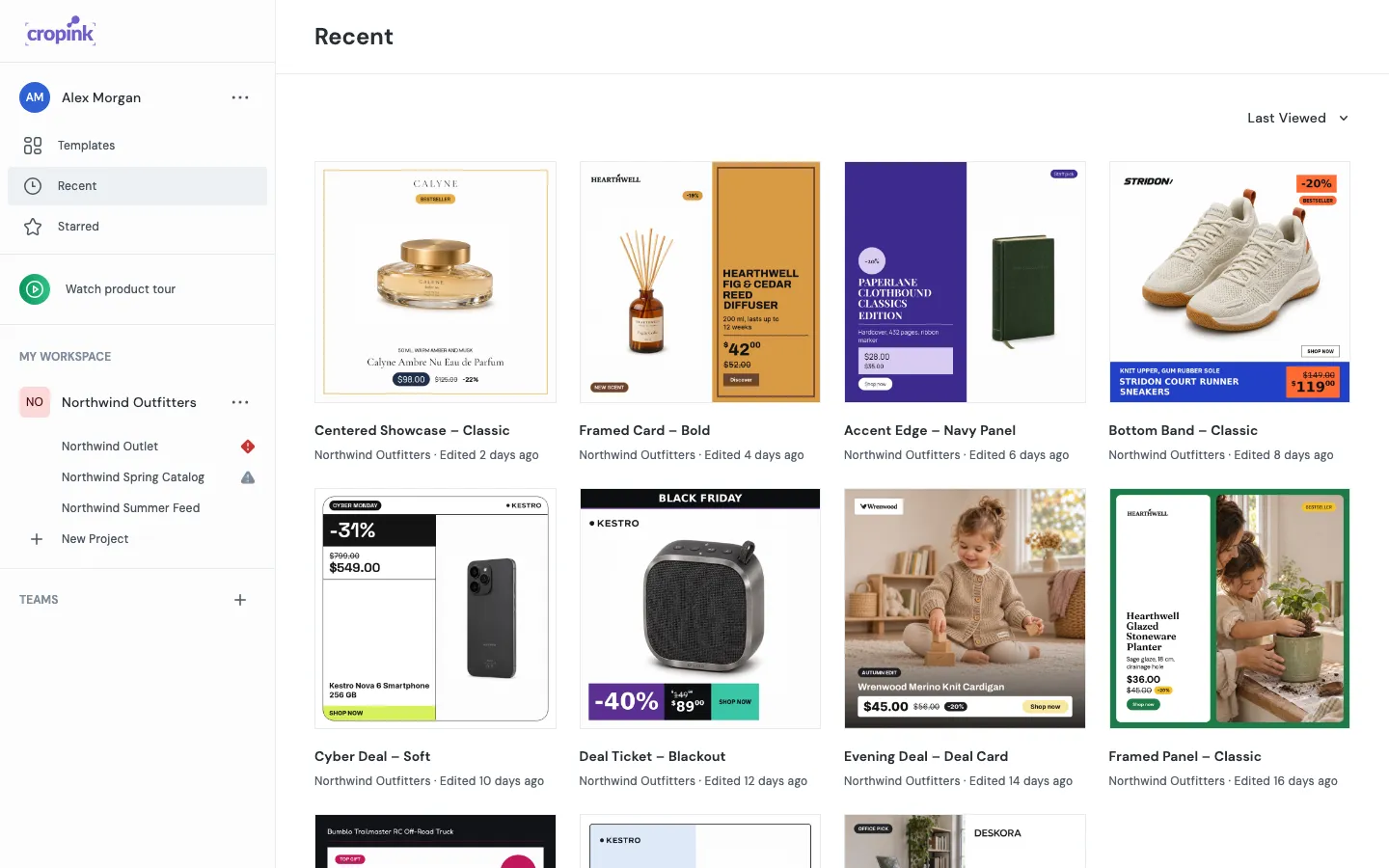
Each tile shows the preview and name of the design. Below the name is a caption with the name of the team and the time of the last edit, for example “Northwind Outfitters · Edited 2 days ago”.
Click a tile to open the Designs list of that team. Cropink scrolls to the design and selects it for a few seconds.
Use the select above the list to change the order: Last Viewed (the default) or First Viewed. The second option reverses the list. The list is built team by team, so designs of one team stay together. If a team cannot be loaded, its designs are missing and the others still show.
If you have no recent designs, you see No Recent designs and See recently used Designs in your Projects.
Starred
Section titled “Starred”Starred shows the templates you starred. You star a template with the star on its tile in the templates list. See Browse and filter templates.
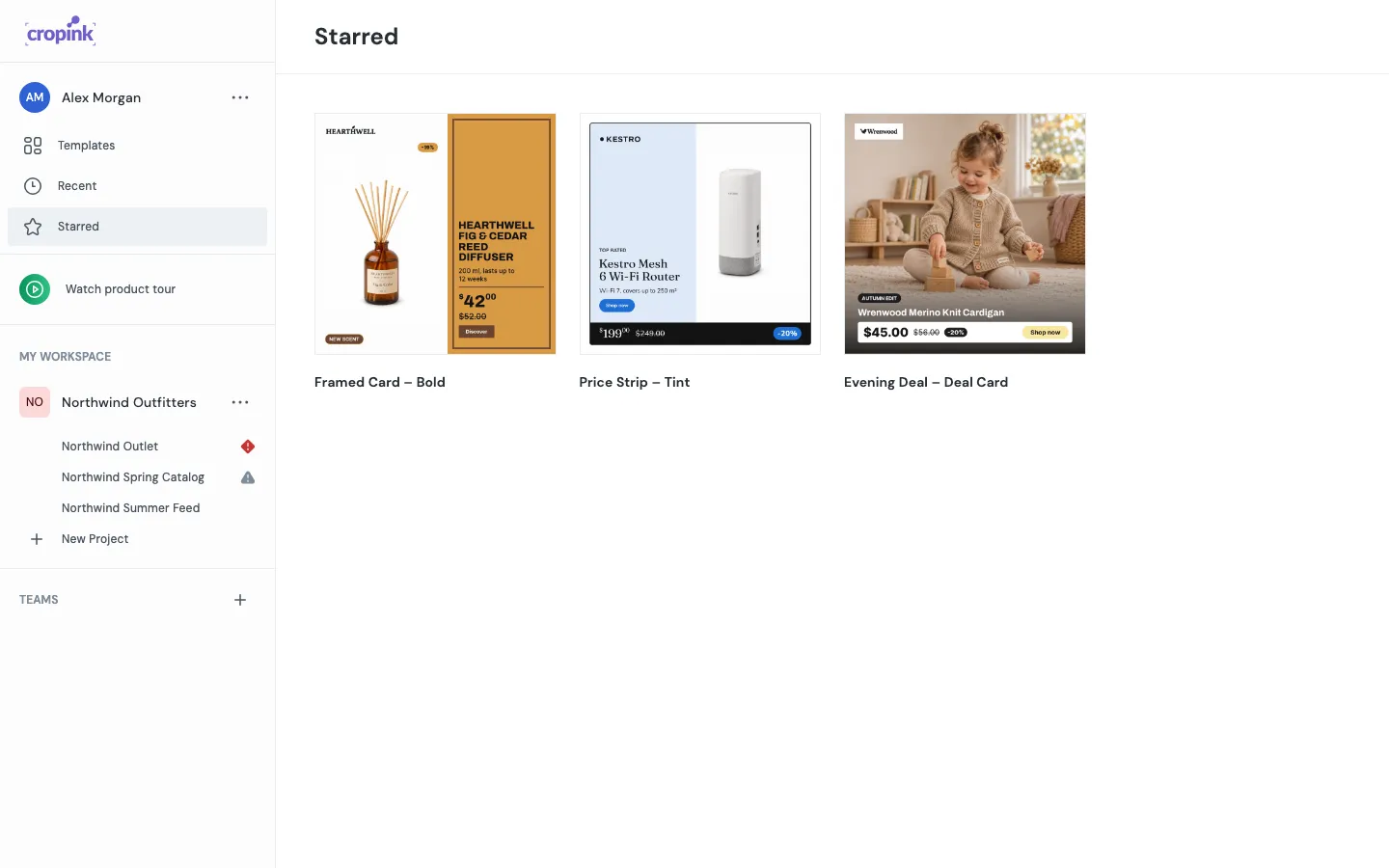
Click a tile to open the preview of the template, where you can add it to a team. See Preview a template and use it.
To remove a template from the list, click the filled star on its tile (hover it to see Unstar). If Cropink cannot remove it, you see the error in a notification.
If you have no starred templates, you see No starred templates and Add Template to your favorites to always have quick access.. Click Explore Templates to go to the templates page.