Styles
A style is a set of colours, logos and fonts that Cropink applies to a template. The Styles tab of your team lists all its styles. If you do not see the tab in the team header, styles are turned off in your Cropink.
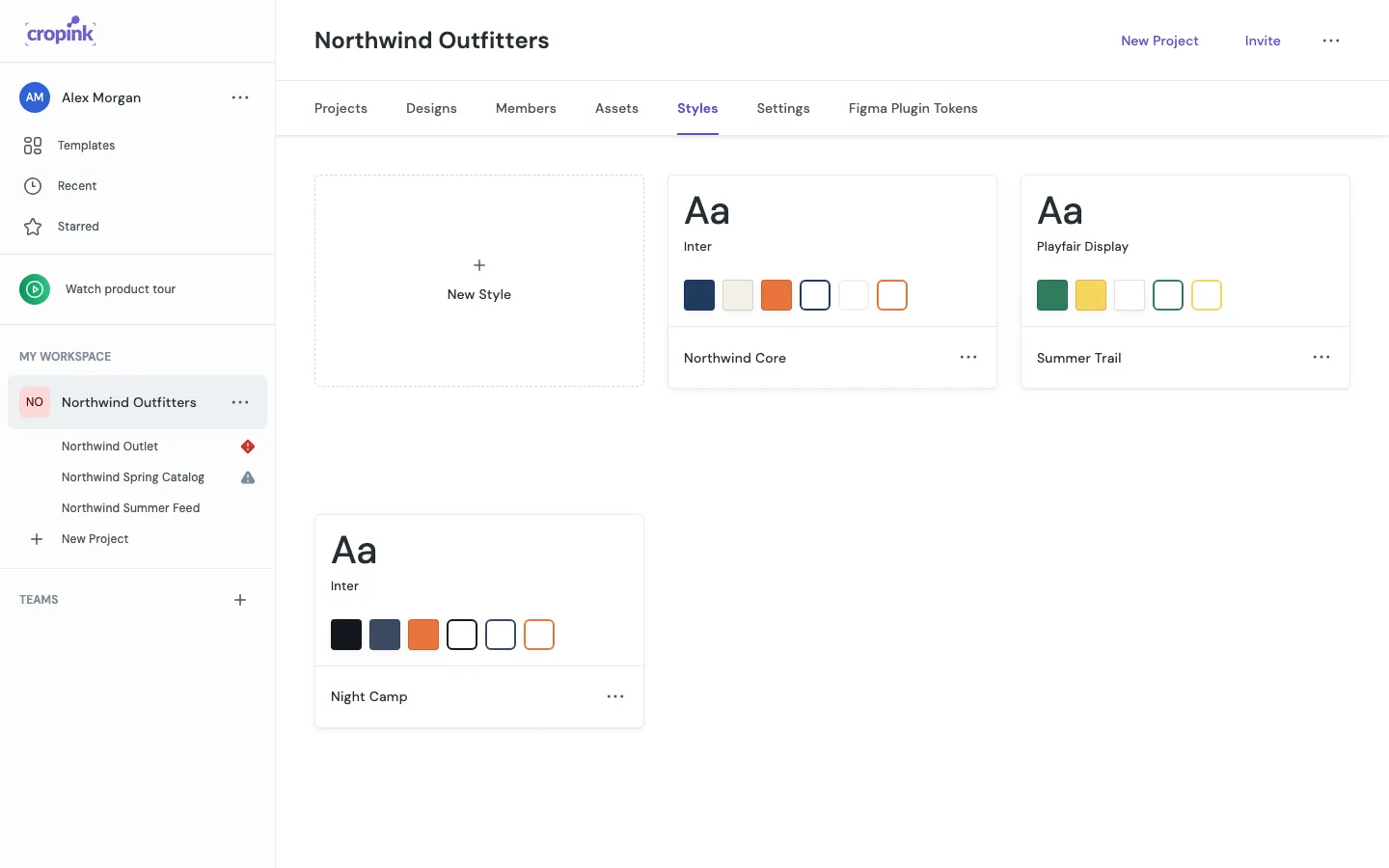
Read a style card
Section titled “Read a style card”Each card shows, from top to bottom:
- Aa and the name of the style’s first font, written in that font;
- small swatches: first the background colours, then the border colours. A style without colours shows No colors were set;
- the name of the style.
While the styles load, the grid shows grey placeholders. A team with no styles shows only the New Style tile.
Create a style
Section titled “Create a style”Click the New Style tile. A short wizard asks for a name, colours and a logo. See Create a style.
Edit a style
Section titled “Edit a style”Click a card to open the style editor. See Edit a style.
Rename a style
Section titled “Rename a style”- On the card, open the menu (three dots) and click Change Name.
- In Update style, type the new name and click Update.
If the server refuses the name, you see its message in a notification.
Delete a style
Section titled “Delete a style”- On the card, open the menu (three dots) and click Delete.
- Type
DELETEto confirm and click Delete.
The button stays disabled until the word matches. The check ignores upper and lower case.
Who can do this
Section titled “Who can do this”The screen does not check your role: everyone who can open the tab can create, edit, rename and delete styles. If the server refuses a new name, Cropink shows the server’s message.