Getting started
Creating an account, logging in, the onboarding, joining a team, and the help panel.
Cropink turns your product feed into product images for ads. It puts each product into designs you make from templates, with your brand’s logos, fonts and colours, and publishes an output feed for Meta, TikTok and Snapchat. These guides describe the screens of Cropink, one task at a time. Inside the app, the help panel opens the guides for the screen you are on (Help in the app).
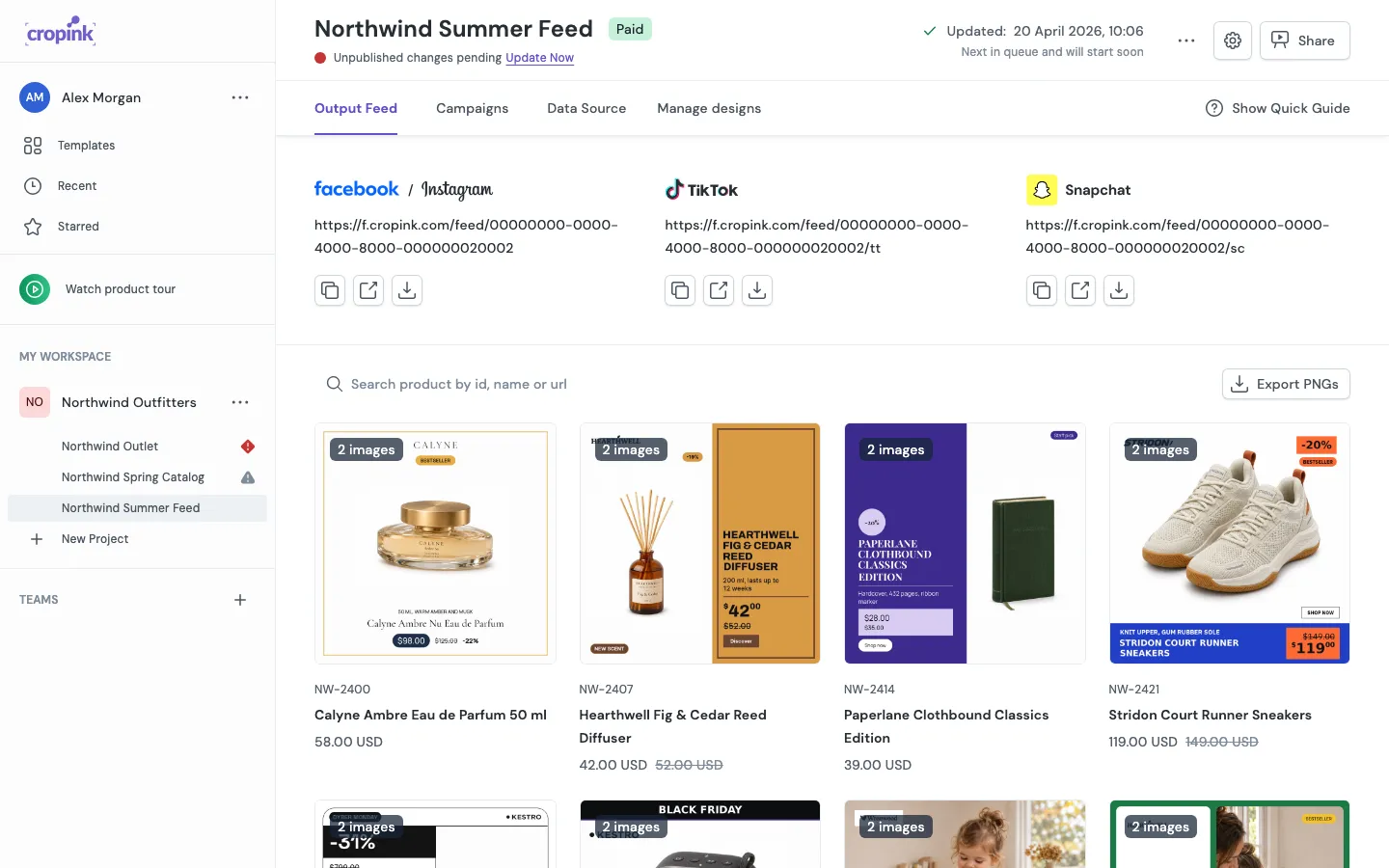
The path from a new account to a feed your ad platform can read:
Getting started
Creating an account, logging in, the onboarding, joining a team, and the help panel.
Templates
Cropink’s gallery of templates: browsing and filtering it, a template’s variants and styles, starred templates.
Designs
Your team’s designs, the design editor and its options, product data in a design, review and publishing, sharing.
Brand assets
The images, logos, fonts, styles and Figma inserts your team uses in designs.
Projects
Projects and their output feed, the preview of the images, sharing a project.
Data source
Where a project’s product data comes from, its updates, and what to do when one fails.
Campaigns
Which designs your product images use, when and for which products, additional images and Facebook ads.
Project settings
A project’s name, notifications, billing plan, and the overrides of its output feed.
Team
Team members and roles, the team’s settings and integrations, tokens for the Figma plugin.
Figma plugin
Connecting a Figma file, publishing frames as designs, importing designs into Figma, and inserts.
Account
Your profile and theme, your password, invoices and payment details.